
Per - seat ordering
Pick the table, pick the chair, add items. Run multiple rounds on the same table and split the bill by seat without a calculator.
- Chair 1
Kadai paneer - Chair 2
Butter naan - Chair 3
Veg biryani - Chair 4
Masala dosa
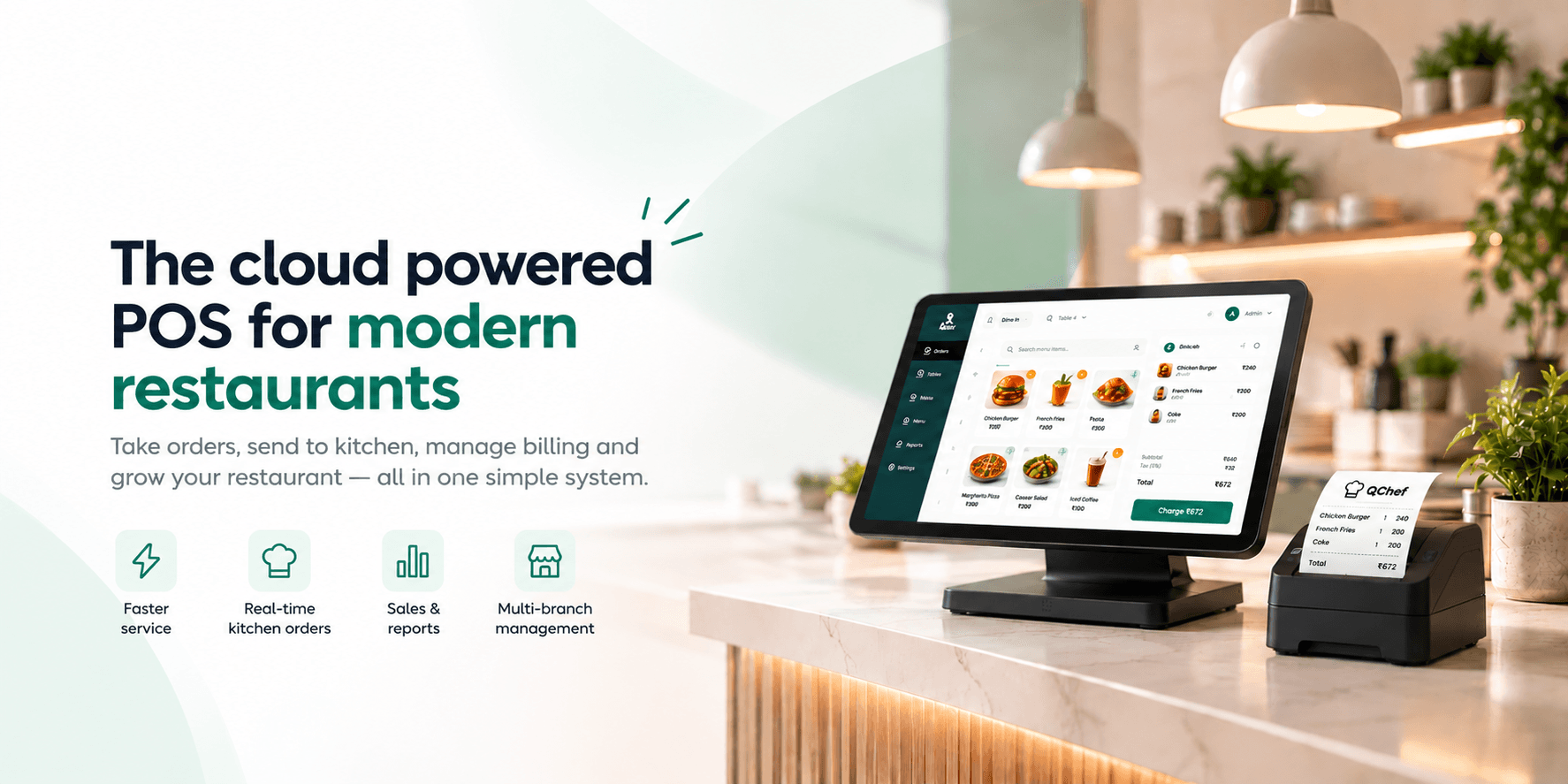

Cloud-based POS for retail and restaurants, easy to learn, simple to use, with a data-driven back office for smarter management.
Big suites do a hundred things. During service only three matter: the order is right, the kitchen sees it immediately, and the guest gets the bill without waiting. QChef is built around those three.
Book a demoNo sync delays, no walking slips across the floor. A waiter taps send and the ticket is on the screen.
Waiters order, the kitchen cooks, cashiers bill. With fewer menus to dig through, training stays short.
Staff use phones and tablets. Add a thermal printer if you want paper, skip it if you don't.
One owner account manages restaurants, branches, menus and staff without per-site workarounds.
One order, four hand-offs,zero paper
Waiter selects table and seats, adds items with variants and notes.
The KOT lands on the kitchen screen with every detail, and prints if needed.
Kitchen marks items ready. The waiter is alerted and serves
Bill is generated with tax. Cashier settles it and the table is freed.
The moment an order is taken, it’s fired directly to the kitchen display.
Pick the table, pick the chair, add items. Run multiple rounds on the same table and split the bill by seat without a calculator.
Queued, preparing, ready, served.
Waiters are alerted the second food is up.
Configurable tax slabs, percentage or fixed discounts with a reason, and payment by cash, card, UPI or wallet.
Your Restaurant
Your Branch
Mobile: 9876543210
FSSAI: GSTIN: 29ABCDE1234F1Z5
Subtotal: Rs.27.00
CGST (2.5%): Rs.0.68
SGST (2.5%): Rs.0.68
TOTAL: Rs.28.36
Thank You! Visit Again
Your Restaurant
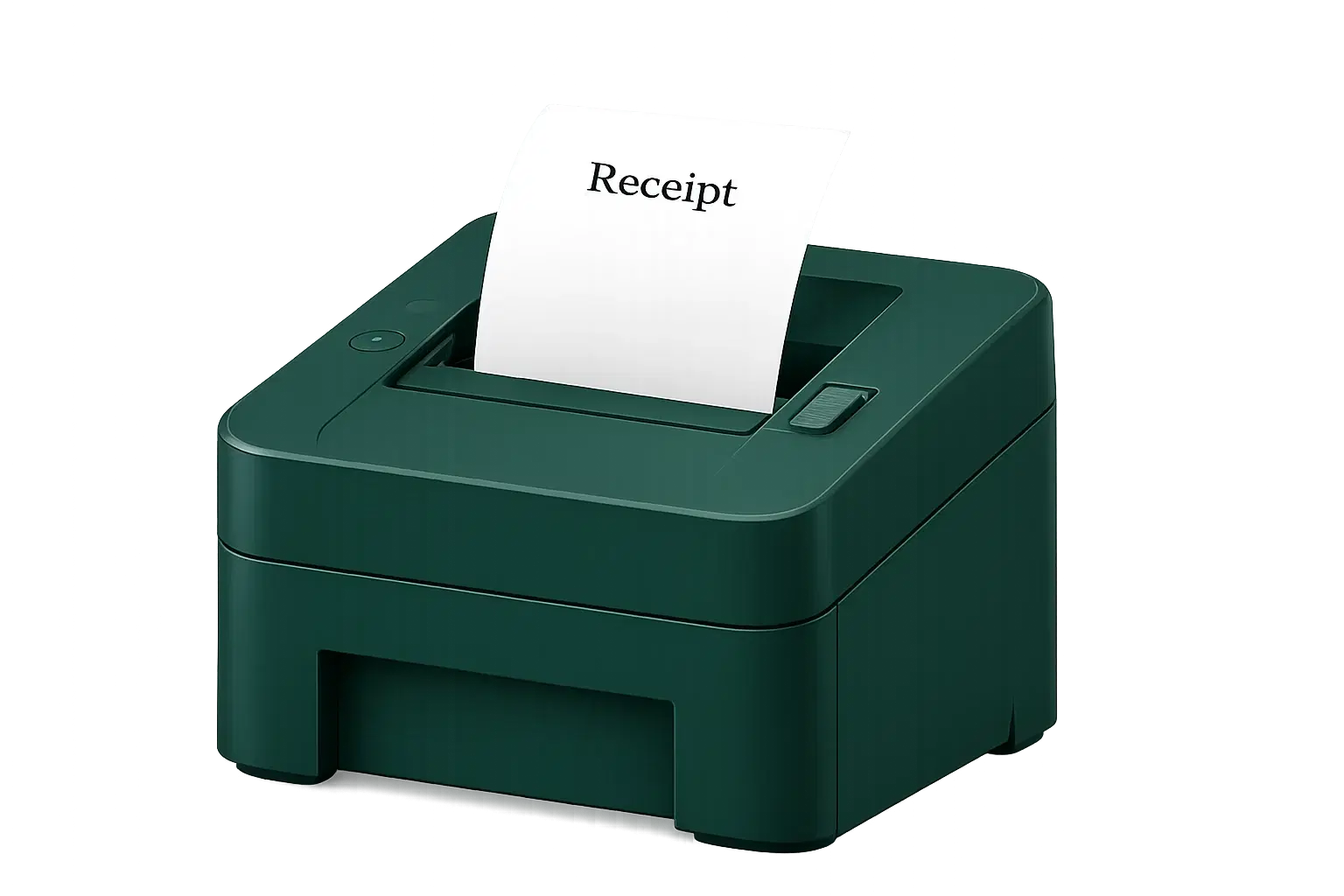
Print KOTs and bills over Bluetooth or WiFi, with your logo on the receipt
Shared menu library with per-area price overrides.
Table service, quick-serve and parcel orders run side by side, each with the right billing flow.
The Old Way: Staff carry orders to the kitchen
The QChef Way: Table to kitchen instantly
The Old Way: Time-consuming manual work
The QChef Way: Faster, efficient & smoother service
The Old Way: Handwritten notes can cause mistakes
The QChef Way: Clear, organized digital orders
The Old Way: Notes can be missed
The QChef Way: Requests linked to orders
The Old Way: Accept orders for unavailable dishes
The QChef Way: Mark unavailable items instantly
The Old Way: Ask staff for updates
The QChef Way: Real-time order status
The Old Way: Slow totals at the counter
The QChef Way: Generate bills in seconds
The Old Way: Errors in tax & discount math
The QChef Way: Applied automatically
The Old Way: Guests wait while bills are divided
The QChef Way: Split bills by person or payment method
The Old Way: Manual reports from branches
The QChef Way: View real-time sales & reports
The Old Way: Check totals at the end of the day
The QChef Way: View live updates across branches
The Old Way: Check each branch separately
The QChef Way: Manage all branches in one place
QChef is a comprehensive restaurant management and point-of-sale software solution that streamlines the processing of food orders, kitchen communication, and reception of payments, and managing employees.
Yes. QChef supports dine-in, takeaway, and quick-service operations, allowing restaurants to manage different service types through a single platform.
Yes. QChef sends orders to the kitchen in real time, enabling kitchen staff to manage orders, update their status, and reduce delays and manual errors.
Yes. QChef allows restaurant owners to monitor multiple branches from a centralized dashboard, providing better visibility into sales and daily operations.
Yes. QChef enables fast billing, supports multiple payment methods, including split payments, and allows thermal receipt and Kitchen Order Ticket (KOT) printing through Bluetooth, USB, or network printers.

Book a quick demo and see how QChef can streamline your kitchen operations from order to plate.
Thanks! We've received your request and will be in touch soon.